
Provision SIP trunks, DIDs, and routing yourself in minutes. Get started today.

Upgrade your landline to a flexible home phone system

Make and receive calls using your internet connection, keep your number, and manage your home phone service with full control.

home phone service illustration

A modern alternative to traditional landlines

Voice over Internet Protocol (VoIP) lets you use your home internet connection for your phone calls instead of a traditional landline. And the good news is you can keep your existing number, make and receive calls from your desk phone or mobile device, and only pay for what you use. There’s no need for a traditional landline phone anymore—just a stable internet connection and a compatible device.

Everything you need for a home phone service

Simple setup and standard calling features is the key combo for a great VoIP phone line for day-to-day usage.

phone check outline

Keep your number

Port your existing home phone number or choose a new local number.

msg content outline

Send text messages

Receive and send SMS and MMS messages from your VoIP.ms phone number.

phone call cross outline

Avoid unwanted calls

Reduce spam calls with built-in filtering tools like caller ID for call blocking.

Multi Tennant platform

Forward calls to any device

Send calls to your mobile, desk phone, or app so you never miss a call.

Ready to get started?

Set up your new VoIP home phone service in minutes and make and receive calls today.

Create an account with us to start enjoying your new and modern phone solution!

Use your home phone the way you want

Choose how you make and receive calls—at home or on the go.

woman using home phone service

Use your smartphone or computer

There’s no need for extra hardware when you can make and receive calls using apps on your mobile or desktop.
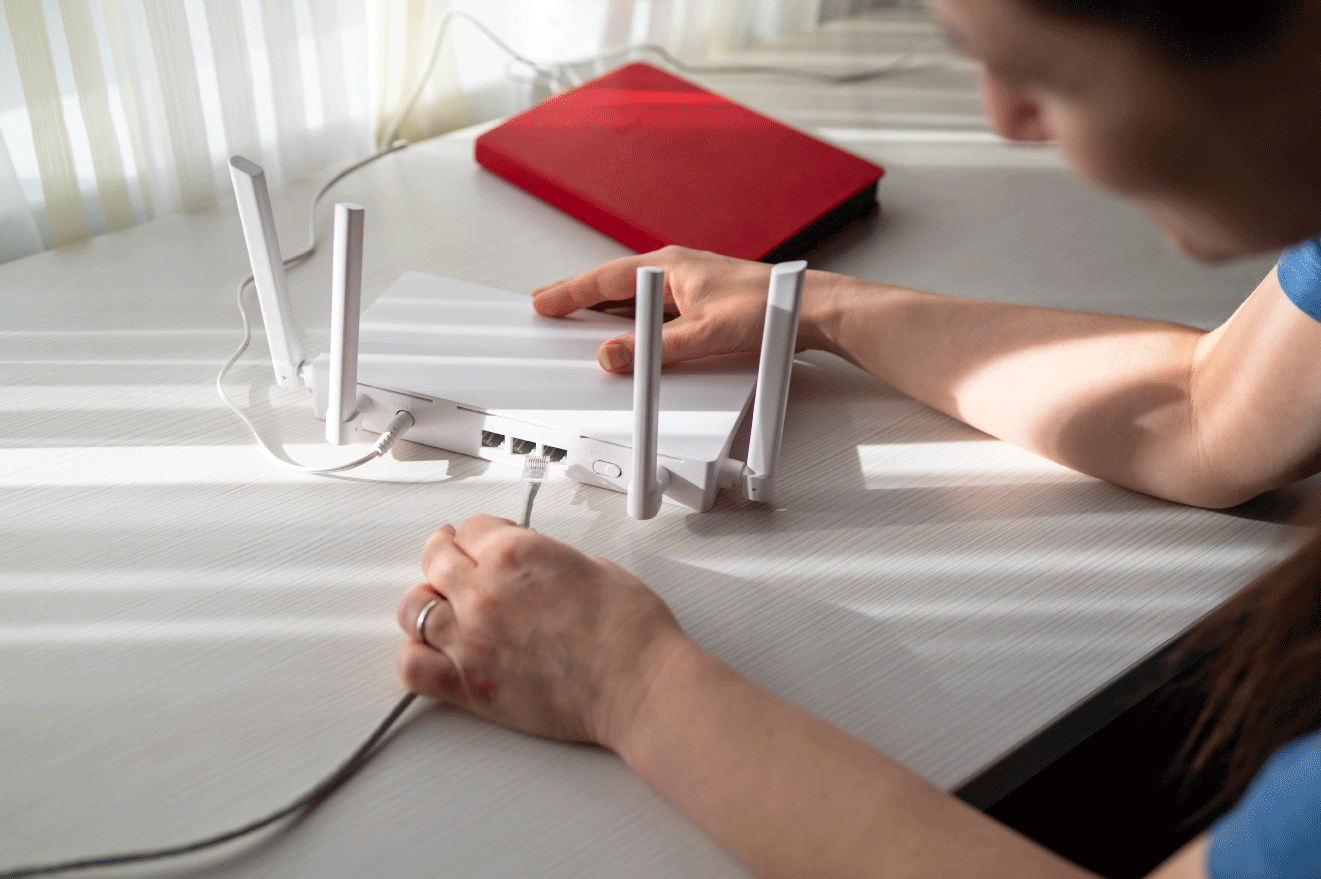
using ata phone internet

Keep your existing home phone

Connect a VoIP adapter (ATA) or compatible device to your system and keep using your current phone.
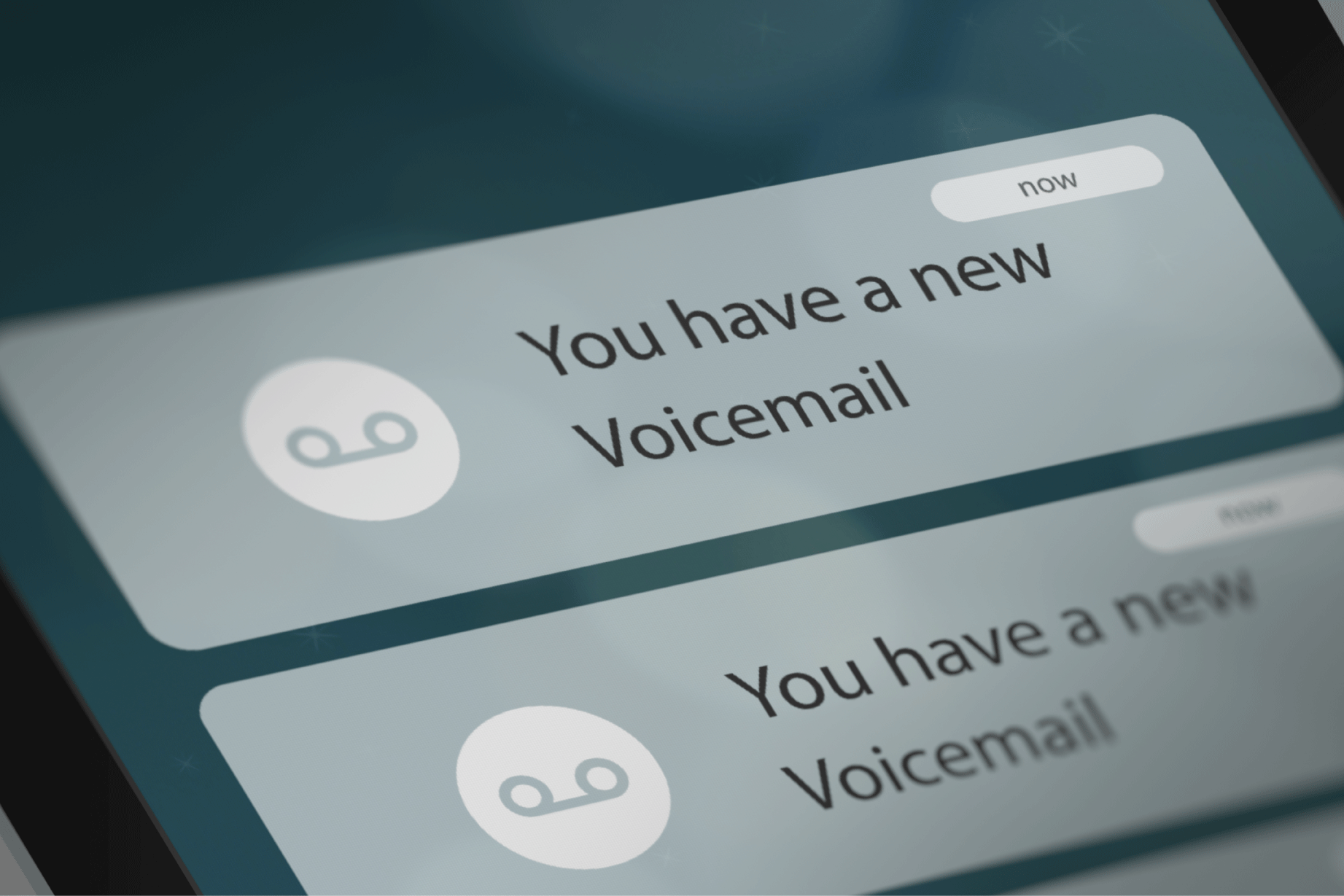
phone showing voicemails

Have voicemails sent to your email

Make things easy for yourself by receiving voicemails in your inbox, so you can listen to them when you have the time.

911 emergency calling

Make effective 911 calls

Enable Emergency Services so your 911 calls send your location and basic information to authorities, facilitating a swift and coordinated response to emergencies.

The best ways to use VoIP.ms at home

Our flexible, full-control VoIP voice service guarantees you’ll stay connected using only your WiFi.

Smart home setups

Stay in touch abroad

Use multiple devices

Forward calls to mobile

Work from home

Keep seniors connected

Pay only for what you use

VoIP.ms works with a pay-as-you-go policy, so you’ll only be charged for the minutes you actually use.

Service
Rate
Details
No contracts. No hidden fees. Cancel anytime.
Phone number (DID)
$1.10/month
Local number in the US or Canada
Incoming calls
$0.009/min
Pay only when you receive calls
Outgoing calls (US/Canada)
$0.01/min
Affordable per-minute rates
International calls
Varies
Low rates to 100+ countries
SMS messages
$0.0075/message
Send and receive texts

It only takes a few minutes to
get started

You don’t need a technician or schedule a visit. Follow the steps below to start making and receiving calls online.

Icon circle number 1

Choose your number

Pick a new local number or transfer your existing home phone number.

icon circle number 2

Connect your device

Use your current phone with an adapter, or set up an app on your mobile or computer.

icon circle number 3

Start calling

Make and receive calls right
away with clear, reliable audio.

What Our Customers Say

Read all verified reviews on Capterra

Trusted by 40,000+ Businesses

Motorola
Canada
Guerlain
Cpanel
Motorola
Canada
Guerlain
Cpanel
Motorola
Canada
Guerlain
Cpanel
Motorola
Canada
Guerlain
Cpanel

VoIP Phone FAQs

Yes. VoIP is a popular alternative to traditional landlines because it offers lower costs, more flexibility, and modern calling features without requiring legacy phone infrastructure.

VoIP home phone service uses your internet connection to make and receive calls instead of a traditional phone line. With VoIP.ms, you can use compatible IP phones, adapters, or softphone apps to connect your home phone service.

Yes. In most cases, you can port your existing phone number to VoIP.ms and continue using the same number with your new VoIP service.

Not always. You can use VoIP with an IP phone, an analog telephone adapter (ATA), or a softphone app on your computer or mobile device. Existing compatible phones may also work.

Because VoIP depends on internet and powered equipment, service may be interrupted during a power outage unless you have battery backup or failover options configured.

Yes. With a stable internet connection and properly configured equipment, VoIP can provide reliable call quality and dependable home phone service.

Ready to get started?

Create your account and start building with us.
Skip to content