Provision SIP trunks, DIDs, and routing yourself in minutes. Get started today.

Digital Receptionist (IVR) for smart call routing

Route every call to the right person, set up menu-based call handling, reduce transfers, and manage call flow from one platform.

Digital Receptionist IVR Illustration

What is a Digital Receptionist?

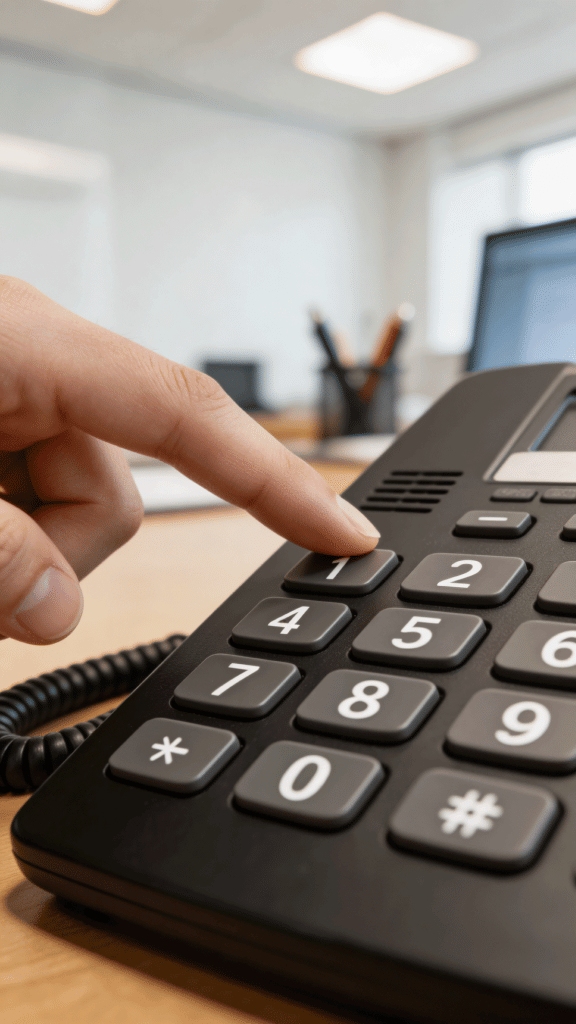
A Digital Receptionist, also known as an Interactive Voice Response (IVR) system, is an automated phone menu that answer calls, greets callers and routes them to the appropriate department or person. Instead of manually answering and transferring calls, the system handles the initial interaction by presenting clear options, such as “Press 1 for Sales” or “Press 2 for Support,” allowing each call to be directed efficiently.

dial-number-ivr

How a Digital Receptionist helps you

Improve how inbound calls are handled, routed, and managed across your team

hand-wave icon

Improve the customer experience

Greet callers with clear voice prompts and route them to the right person or department without delays or confusion.

Porting icon

Build the perfect call flow

Set up menus that reflect your team structure and direct calls based on departments, roles, or availability, so each call follows a clear and logical path.

quick-actions-outline

Reduce manual call handling

Let your business phone system manage routine call routing so your team can focus on handling important conversations.

Use cases for Virtual Receptionists

user-plus-outline

Route sales inquiries

Direct new callers to the appropriate sales team, region, or representative based on their selection, ensuring faster response and better lead handling.

headset icon

Manage customer support calls

Guide callers to the right support team or queue from the start, reducing misrouted calls and improving resolution time.

users outline 6

Handle multi-team or multi-location routing

Automate routing calls across departments, offices, or regions using structured menus that reflect your organization’s setup.

clock-plus-outline

Manage after-hours calls

Redirect calls outside business hours to voicemail, alternate numbers, or specific call flows based on your availability.
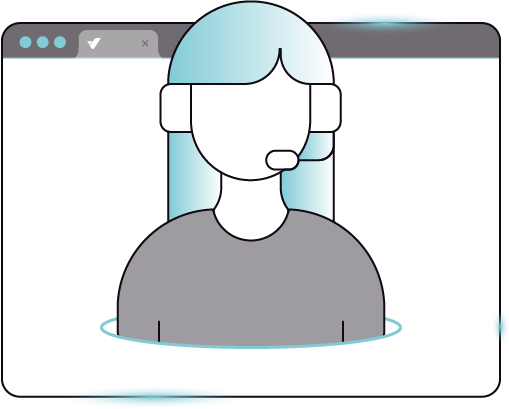
digital receptionist illustration of agent

Get running in minutes

Easily set up a digital receptionist that greets callers and routes each call to the right place

Icon circle number 1

Set up your greeting

Record or upload the message callers will hear when they reach your number, introducing your business and menu options.

icon circle number 2

Create your call menu

Define the options callers can choose, such as directing them to sales, support, or other parts of your team.

icon circle number 3

Connect calls to the right place

Link options to where the call should go, whether that’s a team member, a group, or a voicemail, creating seamless experiences for customers.

Advanced Controls

Fine-tune how calls are queued, handled, and routed with flexible configuration options

circle hashtag outline

Flexible menu inputs

Allow callers to select simple or multi-digit options depending on how your call menu is structured.

sliders 4 icon

Timing and input behavior

Define how long callers have to make a selection and allow them to confirm their choice instantly.

help-chat-outline

Handle invalid selections

Decide how the system responds when a caller selects an unavailable option.

voicemail outline

Route to multiple destinations

Connect menu options to extensions, queues, voicemail, or other call handling features.
You Might Also Like

Go further with how your calls are distributed and managed

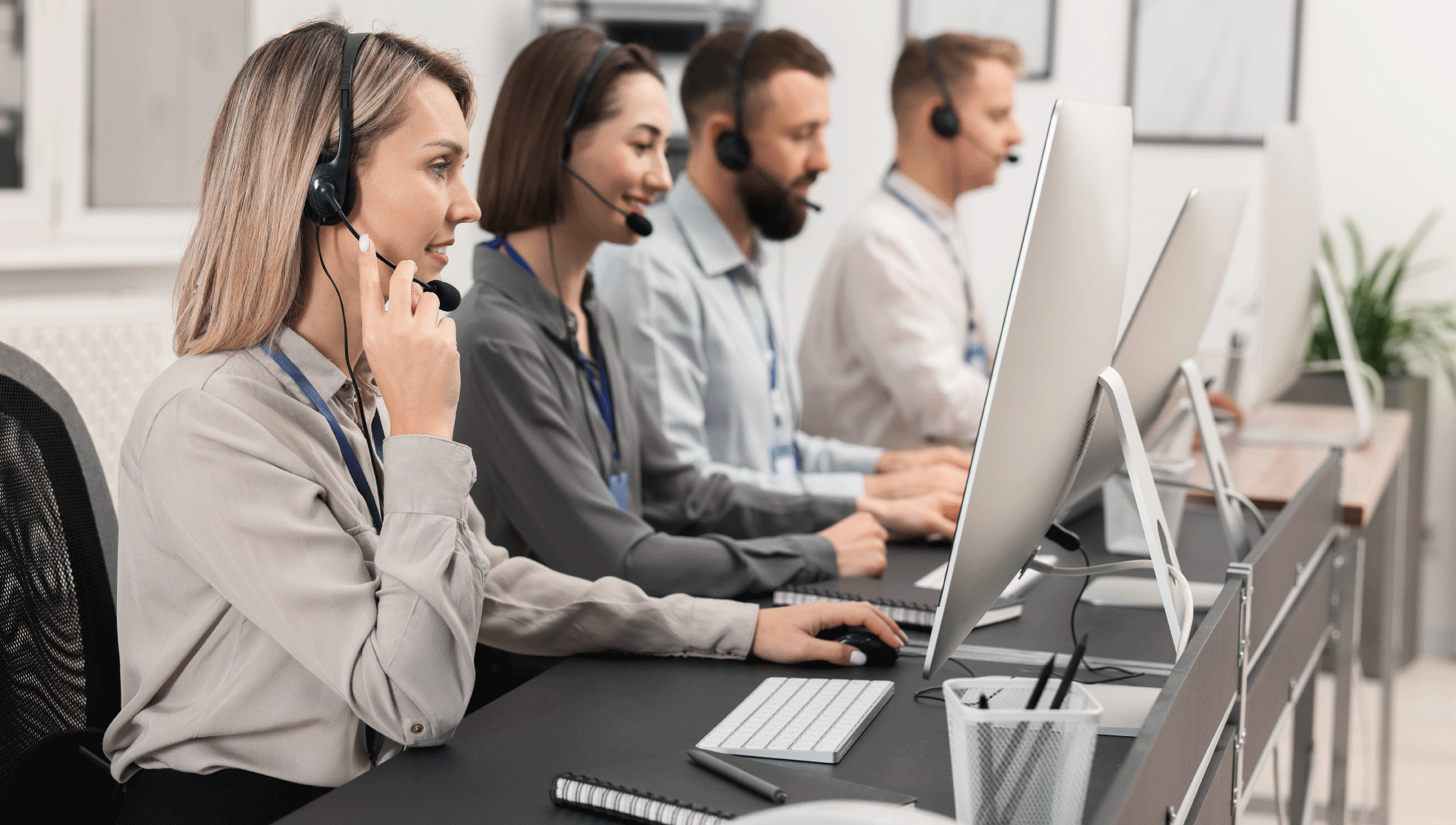
call center volume calls

Calling Queues

Manage incoming call volume by placing callers in a queue and distributing calls across your team as they become available. Learn More

time conditions call photo

Time Conditions

Control how calls are routed based on business hours, schedules, or availability, ensuring calls are handled appropriately at any time. Learn More
Digital Receptionist (IVR) FAQs

Key details about how it works, how it’s configured, and how calls are routed.

A digital receptionist answers incoming calls with a menu and routes callers based on the option they select. Each choice connects the caller to the appropriate team, extension, or call handling feature.

Yes. You can create your own menu options, assign digits to each one, and define where each call should be routed based on your needs.

Calls can be routed to extensions, teams, queues, voicemail, or other call handling features, depending on how your system is set up.

You can define how the system responds, such as replaying the menu or prompting the caller to try again, ensuring the call is still handled properly.

Setup can be completed in minutes through the customer portal by creating your greeting, defining menu options, and assigning call routing.

What Our Customers Say

Discover Our 70+ Features

Build and manage your call flow with a full set of communication and routing features

all features illustrations

Get Started with VoIP.ms

Create your account and start building your voice setup in minutes.
Skip to content