
Provision SIP trunks, DIDs, and routing yourself in minutes. Get started today.

Easily review critical conversations

Record incoming and outgoing calls, access them anytime, and keep full control over how your conversations are stored and used.

call recording

What is Call Recording?

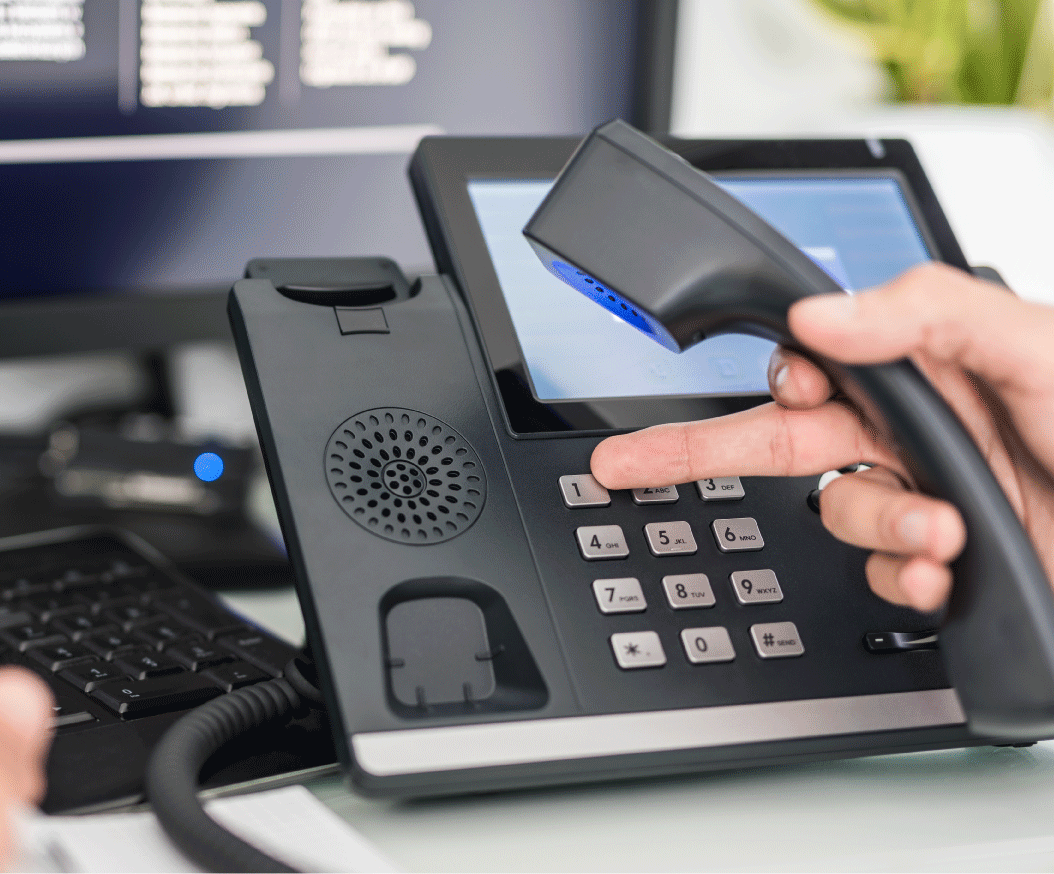
Automatically record incoming and outgoing calls and manage them directly from your VoIP.ms portal.

microphone-outline

Automatic Recording

Calls are recorded automatically once enabled per DID or account, with no manual action required.

archive-check-outline

Flexible Access & Storage

Access your recordings anytime from the portal. Play, download, email, or delete them as needed.

voice-caption-outline

Optional Call Transcription

Request transcription for specific recorded calls directly from the portal when needed.

agent recording call

How can Call Recordings
help you?

Use recorded calls to improve operations, support your team, and keep a reliable record of every interaction.

law-shield-outline

Compliance Support

Maintain records of calls when required and support your internal compliance processes with stored recordings.

presentation-outline

Team Training

Use real call examples to onboard new team members and improve performance over time.

badge-check-2-outline

Quality Control

Review conversations to identify issues, refine processes, and maintain consistent service quality.

judge-outline

Dispute Handling

Refer back to recorded calls to clarify conversations and resolve misunderstandings when they arise.

Who uses Call Recording?

Built for teams that need visibility, accountability, and control over their call activity.

Get running in minutes

Enable call recording in just a few steps and start capturing calls without complex setup.

Icon circle number 1

Enable Recording

Turn on call recording when setting up a phone number for incoming calls or an account for outgoing calls.

icon circle number 2

Choose Where It Applies

Decide which numbers or accounts should have recording enabled based on how your calls are handled.

icon circle number 3

Access Your Recordings

Once enabled, recordings are saved automatically and can be accessed, downloaded, or shared from your portal.

Advanced Controls

Manage how recordings are captured, accessed, and handled across your account.

gear-arrow-right-outline

Manage and Share Recordings

Access your recordings from the portal and manage them based on your workflow. Quickly find, download, or share recordings when needed.
What Our Customers Say

You Might Also Like

Build a complete call workflow with tools that help you route, track, and review every interaction.

dialing ivr

Digital Receptionist (IVR)

Route incoming calls through custom menus and direct callers to the right destination before the conversation even starts.
Learn More

call-records

Call Detail Records (CDR)

Track call activity with detailed logs, including timestamps, duration, and costs to support reporting and analysis. Explore CDR

Get Started with VoIP.ms

Create your account and start building your voice setup in minutes.
Skip to content