
Provision SIP trunks, DIDs, and routing yourself in minutes. Get started today.

Route every call to
the right person

Send incoming calls to multiple team members at once or in sequence, so every caller reaches someone available.

ring-groups-chart

What is a ring group?

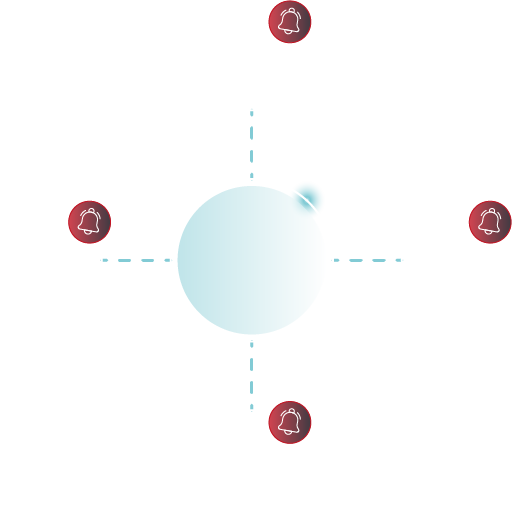
A ring group lets you route incoming calls to multiple users or devices instead of a single phone.

When a call comes in, it can ring all team members at once, ring users in a specific order, or move to the next person if no one answers. This ensures calls are answered quickly and reduces missed opportunities.

ring-group-main

Why use Ring Groups

Improve response times and make sure every call is handled.

phone check outline

Answer more calls

Route calls to multiple team members at once so someone is always available.

phone dots outline

Flexible call distribution

Choose how calls are handled—simultaneous, sequential, or custom routing.

msg user outline

Control caller experience

Set up greetings, time-based rules, and fallback options for missed calls.

Where Ring Groups make the biggest impact

Use ring groups to improve response times and distribute calls across your team, from call centers to small businesses.

phone call incoming outline

Handle support calls faster

Distribute incoming support calls across available agents so customers aren’t left waiting.

sitemap outline

Route calls by department

Direct calls to the right team—sales, billing, or support—using structured ring groups.

hours 24 outline

Keep calls covered at all times

Use sequential routing to pass calls to the next available person if no one answers.

users cloud outline

Support distributed teams

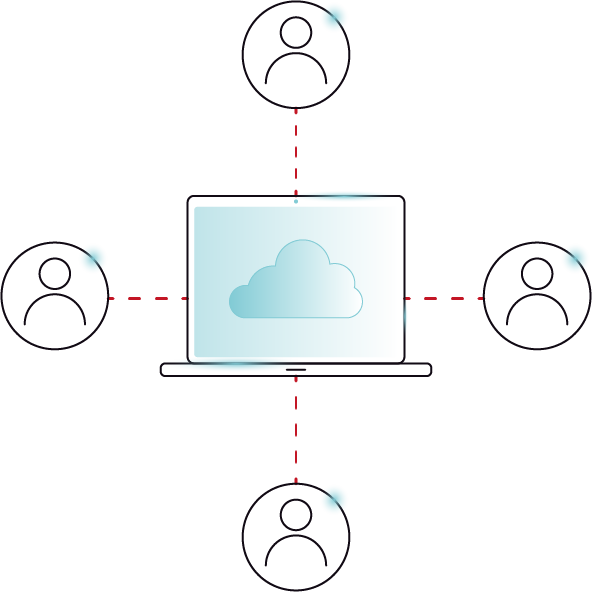
Connect team members across devices and locations so calls are always answered.
call management illustration

Add Ring Groups to your phone system in minutes

Create and configure your call routing in three simple steps.

Icon circle number 1

Create your ring group

Set up a group in the VoIP.ms customer portal and define how calls should be handled.

icon circle number 2

Add team members

Include extensions, phone numbers, or devices that should receive calls.

icon circle number 3

Choose your call strategy

Select simultaneous or sequential ringing and configure fallback options.

Advanced Ring Groups controls

Take your business phone to the next level with customized call handling.

users cloud outline

Multiple member types

Add extensions, mobile numbers, or external lines to a single ring group.

users link outline

Flexible group size

Scale from small teams to larger groups without changing your setup.

voicemail outline

Voicemail configuration

Set up voicemail and notifications to handle unanswered calls.

circle dashed clock outline

Time-based routing

Control how calls are handled at all times, no matter the day of the week.

You Might Also Like

Advanced features for a foolproof phone system.

call center volume calls

Calling Queue

Manage high call volumes with waiting queues, announcements, and structured call handling. Learn More

dialing ivr

Digital Receptionist (IVR)

Guide callers to the right department with automated menus and call routing. Learn More

What Our Customers Say

Ring Group FAQs

Ring groups send incoming calls to multiple users at the same time or in a set pattern until someone answers, while call hunting routes calls through extensions one at a time in a specific order. With VoIP.ms Cloud-PBX, though, you can set up both options, creating an effective and failproof system for your business.

Get Started with VoIP.ms

Create your account and start building your voice setup in minutes.
Skip to content