
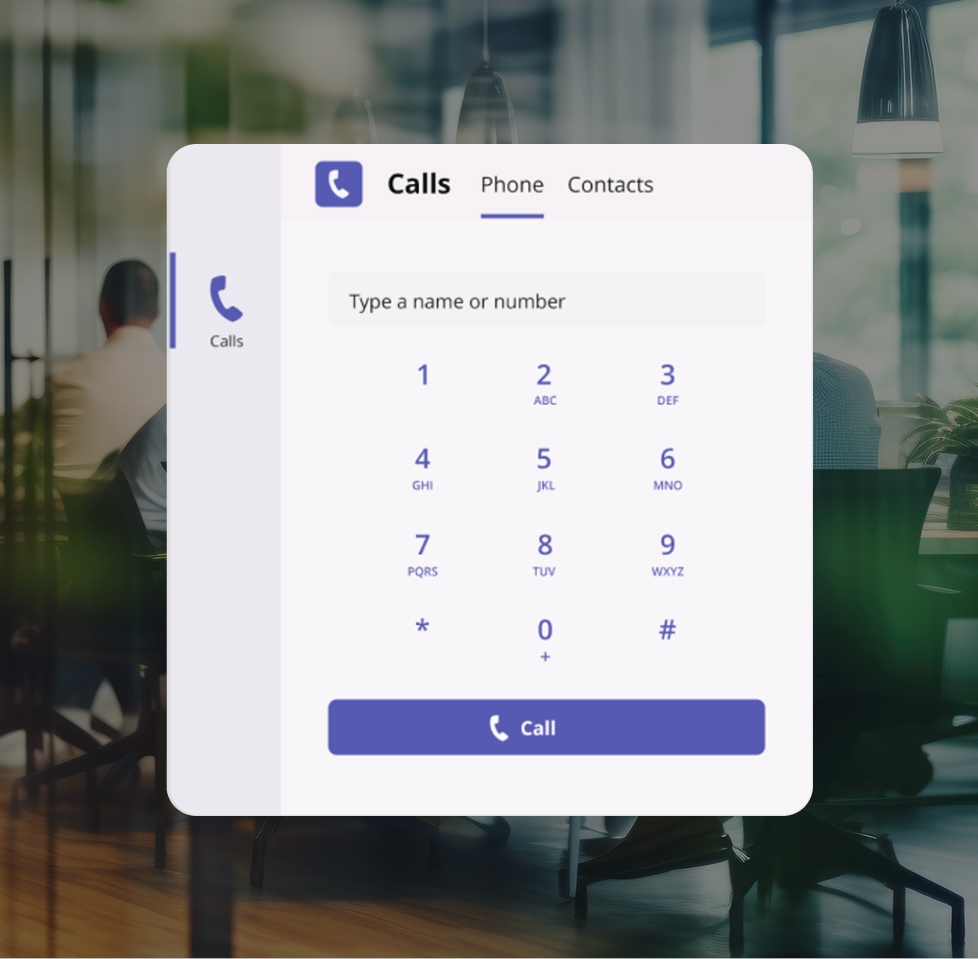
The Teams experience you know paired with inbound and outbound calling functionalities for a unified phone system that keeps your staff connected and customers satisfied.
The Microsoft Teams integration allows you to use VoIP.ms as your calling provider within the Teams app. By connecting your VoIP.ms account, you can make and receive calls using your existing phone numbers, manage calls directly from the Teams dashboard, and extend your VoIP phone system to Teams users. The result is the perfect combination of collaboration tools with flexible VoIP call handling.
The perfect idea for effective project management: use our connector to extend your phone system into the Microsoft Teams app and keep workflows in place.
Make and receive calls from MS Teams in real-time using your VoIP.ms numbers.
Avoid per-user calling plans by using VoIP.ms usage-based pricing.
Keep full control over routing, IVRs, and call flows outside of Teams.
Allow team members to take calls from anywhere using Teams.
Track and manage call activity through your VoIP.ms account.
Add users and numbers without changing your overall system.
Streamline business communications by connecting your VoIP phone system with a user experience your team is familiar with.
Let users make and receive calls from Microsoft Teams while working remotely or across locations.
Route incoming calls through VoIP.ms while agents answer directly from the Teams interface.
Use your VoIP.ms numbers to call prospects and clients without leaving Teams.
Integrate Teams into your current VoIP.ms setup without replacing your call routing or infrastructure.
The step-by-step on how to connect VoIP.ms to MS Teams and start making calls.
Ensure your VoIP.ms and Microsoft accounts are ready for integration.
Set up direct routing or your preferred connection method.
Link users in Teams to your VoIP.ms numbers and routing setup.
Make and receive calls using Teams with your VoIP.ms configuration.
Powerful features to manage calling, routing, and performance across your Teams setup.
Gain visibility into your call activity and performance across your VoIP.ms system — even when calls are handled through Microsoft Teams. Monitor usage, track call patterns, and identify opportunities to improve response times and efficiency.
Support reliable call handling with a distributed network designed for consistent performance and scalability. VoIP.ms provides access to multiple points of presence, allowing you to route calls efficiently and maintain call quality across regions.

Advanced features for a foolproof phone system.

Control how calls are handled before they reach Microsoft Teams. Route calls to specific users, departments, or fallback destinations.
Learn More

Send and receive text messages using your VoIP.ms numbers to support customer communication beyond voice.
Learn More
VoIP.ms connects to Microsoft Teams using Direct Routing, allowing you to use VoIP.ms as your calling provider. This enables you to make and receive calls in Teams using your existing VoIP.ms phone numbers.
Yes. You can use your existing VoIP.ms numbers for inbound and outbound calls within Microsoft Teams by using our connector.
Direct Routing is a Microsoft Teams feature that allows you to connect a third-party VoIP provider, like VoIP.ms, to handle calling. It acts as the bridge between Teams and your VoIP phone system.
Yes. VoIP.ms remains your call control layer. You can continue managing routing, IVRs, ring groups, and call flows through the VoIP.ms workspace.
Yes. You can maintain a hybrid setup where some users use desk phones while others use Microsoft Teams as their chosen softphone.
Yes. Users can make and receive calls from anywhere using Microsoft Teams, while VoIP.ms handles routing and infrastructure.
We offer a vast range of standard telephony features found in traditional phone systems such as call waiting, voicemail and caller ID, as well as enhanced communication features such as time condition, digital receptionist and calling queue that can help your business grow and manage your calls more effectively.