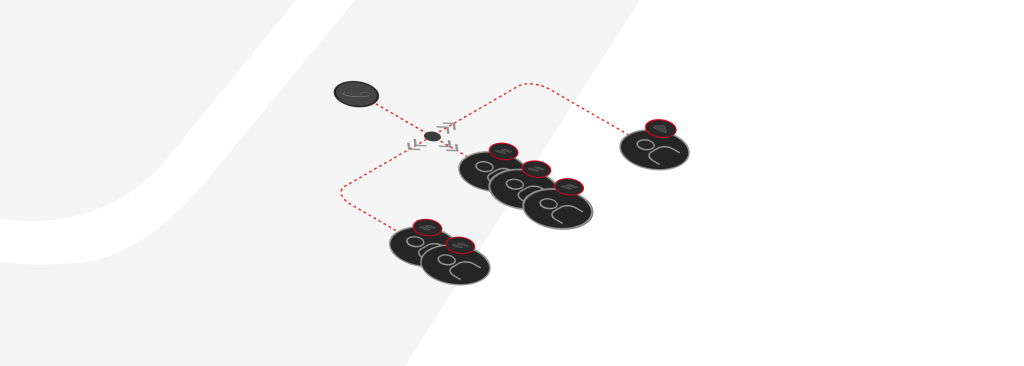
Designed for customers who manage multiple teams, offices, or clients, this tool lets you:
- In just a few clicks, create unlimited locations, link them to sub-accounts, and assign extensions within each location.
- Re-use extension numbers in more than one sub-account, according to locations.
- Manage it all from the Customer Portal — no setup requests needed.
There’s no limit to how many locations or extensions you can create. You’ll find it all under the new Multi-Tenant Locations tab under the Sub-Accounts menu — available immediately (BETA) to all users at no additional cost.
Need help? Check out our Wiki Article or contact our technical support at any time.