

Calls are recorded automatically once enabled per DID or account, with no manual action required.

Access your recordings anytime from the portal. Play, download, email, or delete them as needed.

Request transcription for specific recorded calls directly from the portal when needed.


Maintain records of calls when required and support your internal compliance processes with stored recordings.

Use real call examples to onboard new team members and improve performance over time.

Review conversations to identify issues, refine processes, and maintain consistent service quality.

Refer back to recorded calls to clarify conversations and resolve misunderstandings when they arise.

Turn on call recording when setting up a phone number for incoming calls or an account for outgoing calls.

Decide which numbers or accounts should have recording enabled based on how your calls are handled.

Once enabled, recordings are saved automatically and can be accessed, downloaded, or shared from your portal.

Access your recordings from the portal and manage them based on your workflow. Quickly find, download, or share recordings when needed.
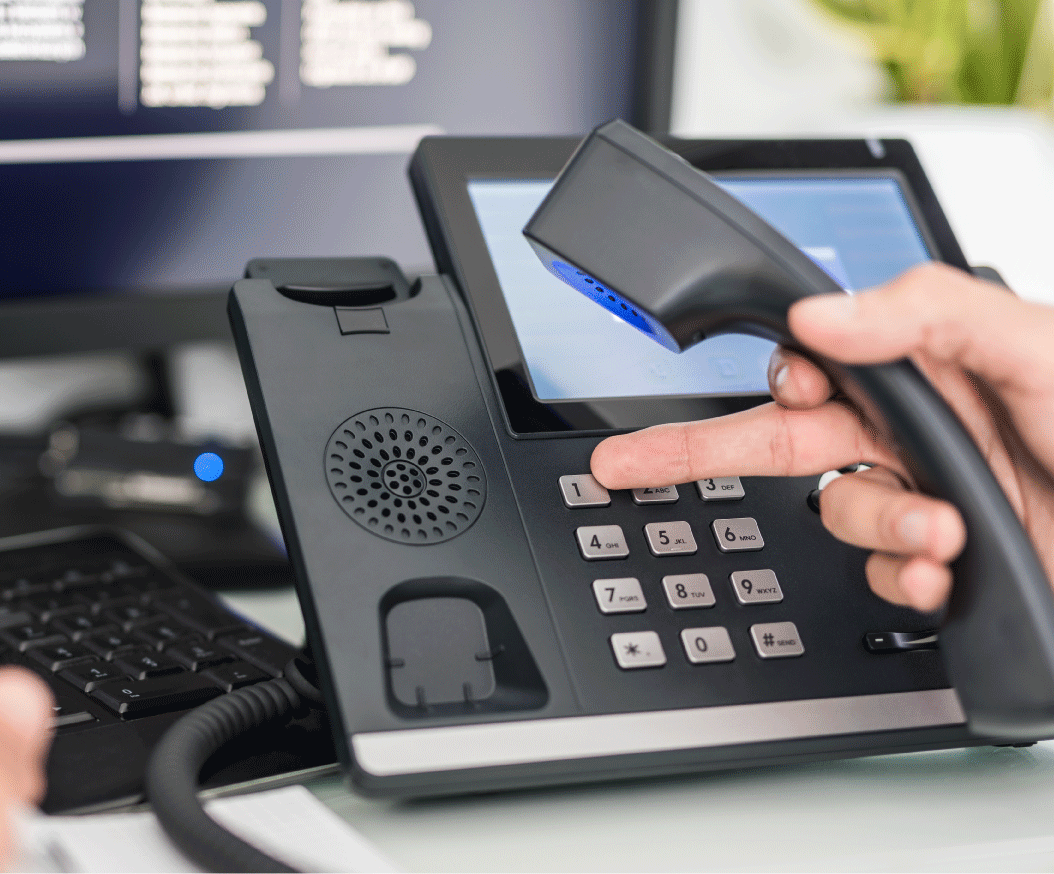
Route incoming calls through custom menus and direct callers to the right destination before the conversation even starts.
Learn More 

Track call activity with detailed logs, including timestamps, duration, and costs to support reporting and analysis.
Explore CDR