
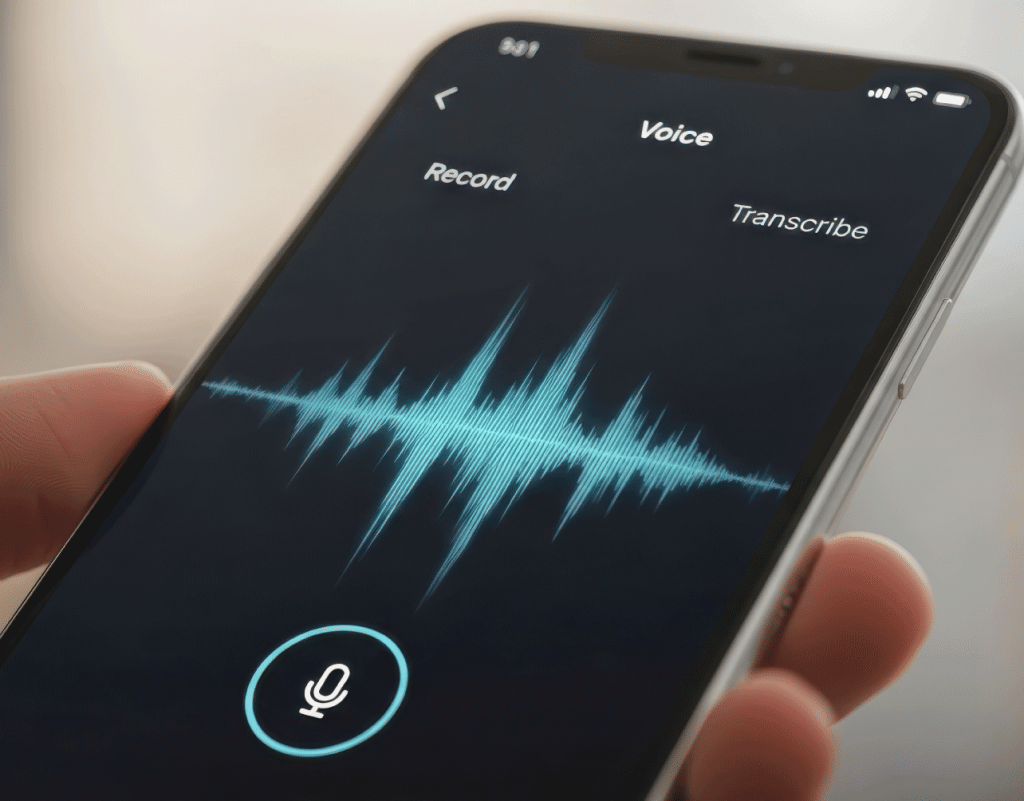
Automatically transcribe your VoIP calls into clear text. Review conversations faster, find key details quickly, and keep a reliable written record of every call.
Call Transcription converts your VoIP calls into written text so you can review conversations without replaying audio. It helps you quickly find key details, keep accurate records, and simplify how your team works with call data. With transcripts, you can move faster on follow-ups, share clear information across your team, and keep conversations organized for training, documentation, or ongoing reference.
Work faster with clear, searchable transcripts that make every conversation easier to review, share, and manage.
Quickly find what was said without replaying audio. Scan transcripts to locate key details, decisions, or follow-ups in seconds.
Our Call Transcription feature comes with AI capabilities that help you understand the tone of conversations and give line-by-line sentiment breakdowns.
Keep accurate written records of every call for internal tracking, audits, or dispute resolution.
Share transcripts with your team to align on conversations, reduce miscommunication, and improve collaboration.
Reduce note-taking and manual documentation. Transcripts are generated automatically; plus, use our AI add-on for quick summaries.
Detect and transcribe calls in multiple languages to support global teams and customers.
See how teams use transcripts to review conversations, improve workflows, and keep better records.
Review support calls, track issues, and keep a clear record of customer interactions for follow-ups and quality checks.
Capture key moments from sales calls to review conversations, track objections, and improve how your team communicates with prospects.
Keep written records of customer interactions to support internal policies, audits, and dispute resolution.
Share transcripts across your team so everyone stays aligned without needing to listen to full recordings.
Use real call transcripts to train new team members and build consistent communication standards.
Keep track of internal calls, decisions, and follow-ups with a written record that’s easy to reference later.
Set up call transcription in a few steps and start receiving transcripts automatically.
Sign up for VoIP.ms or log in to your customer portal to set up and manage call transcription settings from one place.
Turn on transcription for your main account, sub accounts, or specific DID numbers, depending on which calls you want to transcribe.
Once enabled, transcripts are sent to your selected email and can also be viewed in your call detail records after processing.
Configure how transcription works across your calls with flexible settings for delivery, language, and data handling.
Get insights on the tone of conversations with sentiment scoring for each speaker.
Generate a concise summary of each call to quickly review key points without reading the full transcript.
Automatically remove sensitive information such as credit card details from transcripts.
Select up to 10 languages for automatic detection and transcription based on your call flow.
Enable transcription at the account, subaccount, or DID level to control which calls are transcribed.
Send completed transcripts directly to the email address you choose for easy access and sharing.

Explore other features that work alongside call transcription to help you manage and review your calls.

Record inbound and outbound calls to keep full audio records alongside your transcripts for deeper review.
Learn More

Access detailed call logs and view transcripts directly from your call history for easy tracking and analysis.
Learn More

Manage missed calls and messages with voicemail features that help you stay on top of every interaction.
Learn More

Find answers to how call transcription works, what it supports, and how to get started.
Still have questions? Talk to sales
Transcription accuracy can vary depending on call quality, background noise, and the language used. Clear audio and stable connections typically produce better results.
You can configure up to 10 languages for automatic detection and transcription, depending on your setup.
Transcripts are processed after the call ends and are typically available shortly after, depending on call length and system processing time.
Call transcription is billed at $0.05 per minute of audio processed.
Transcripts are delivered to your selected email and can also be accessed in your Call Detail Records within the customer portal.
You can enable transcription redaction to automatically remove sensitive information, such as credit card details, from transcripts.